The right size.
Without the guesswork.
Free size charts and one Finder that works across every product. Shoppers get a size and a clear reason why.
Free to start · 50 Finder recommendations included each month
Free size charts
Create as many as you need. On every product page, forever.
One Finder
Automatically uses the right chart for each product.
Built for fashion
Accounts for shopper shape, fit preference, garment cut and stretch.
A clearer answer to a very normal question.
Quick estimate
Height, weight and age. Fit preference from very fitted to very loose.
Or measurements
For shoppers who know them. Entered once, used exactly.
A size, with the reason
The recommendation for that product, explained in one sentence.
Height, weight and age
Plus a fit preference, from very fitted to very loose.
Or exact measurements
For shoppers who know them. Entered once, used exactly.
A size, with the reason
Sized from bust and hip. The waist stays free in this cut.
Returning shoppers can reuse their details across products. Their information stays on their device and never reaches Mode.
Mode combines your sizing with the shopper and the garment. The same inputs always give the same answer.
Set up your sizing once.
Create a chart from a starting point, or import the chart you already have.
Have a chart already?
Bring it in from a photo, a PDF or a CSV. Mode reads the numbers.
Starting from scratch?
Choose the closest sizing system and adjust the numbers.
As many charts as you need
Unlimited charts, and one chart can cover many products.
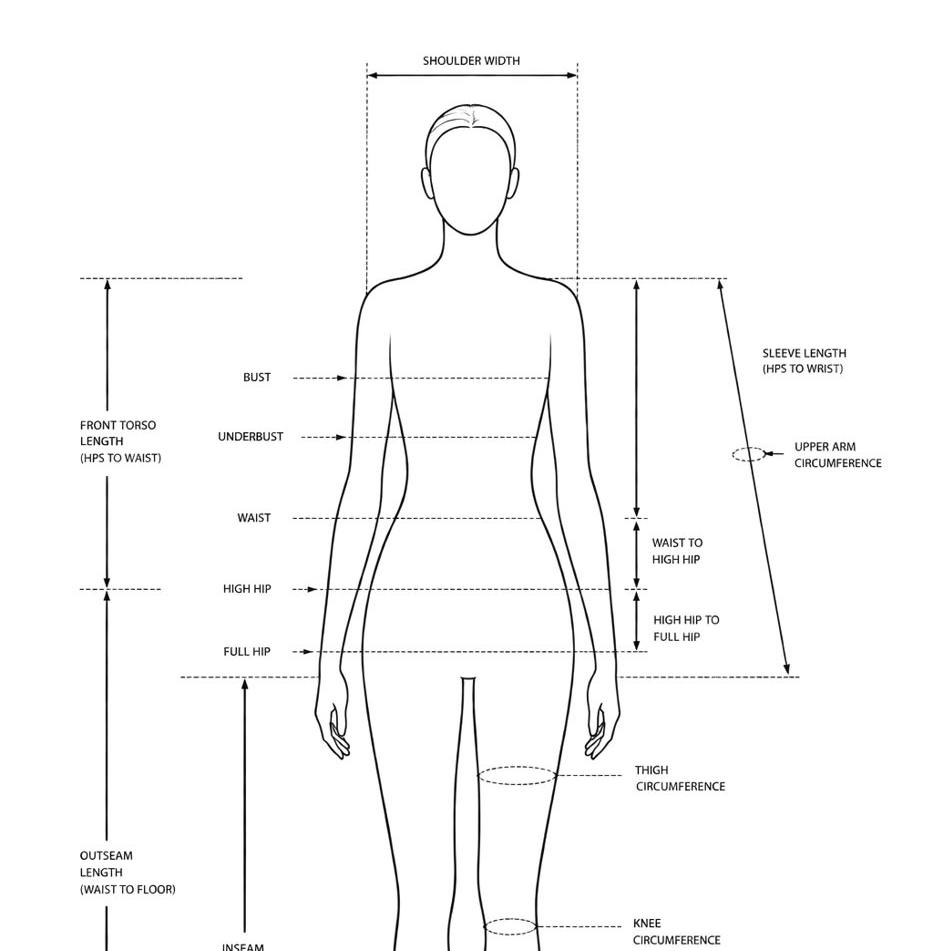
Women's XXS–XXL
| XXS | XS | S | M | L | XL | XXL | |
|---|---|---|---|---|---|---|---|
| Bust | 78 | 82 | 86 | 90 | 94 | 98 | 102 |
| Waist | 58 | 62 | 66 | 70 | 74 | 78 | 82 |
| Hip | 84 | 88 | 92 | 96 | 100 | 104 | 108 |
One size finder that works across every product.
Assign the right chart to each product. Finder uses it automatically.
No separate Finder setup for every collection, chart or product.
The chart is only part of the fit.
Add product-specific fit details when a piece runs differently from the chart.
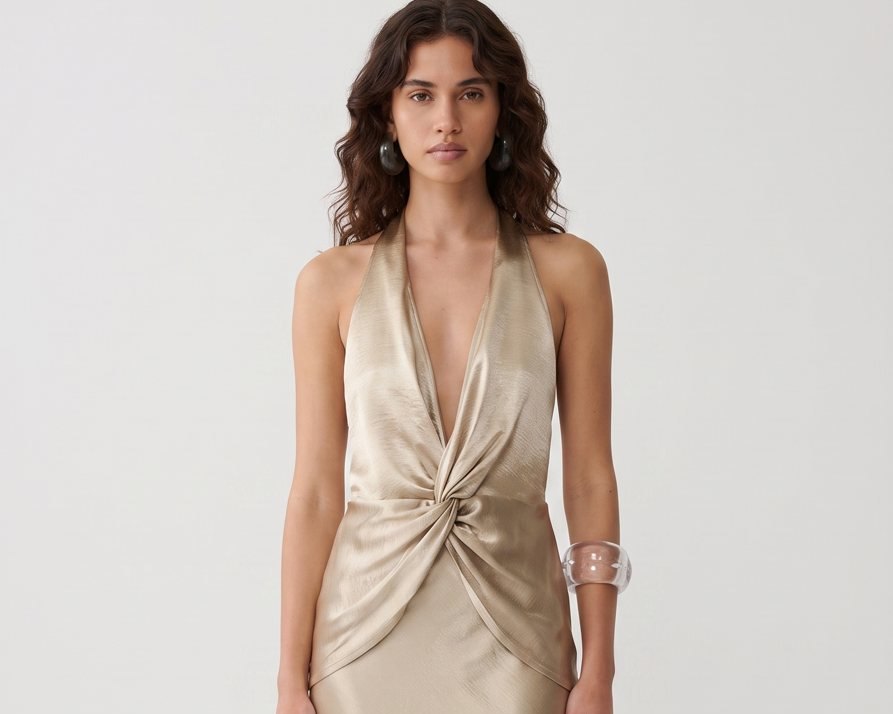
Adelie Pleated Maxi Gown
Cut and stretch help refine the recommendation without changing the chart itself. A soft knit and a structured blazer can share a chart and still fit differently, and Mode knows the difference.
Fit notes and the model's size appear on the result screen, so the shopper hears it the way a good store assistant would say it.
Sizing should feel like part of the garment experience. Not another app bolted onto it.
The Finder inherits your storefront's typography and speaks ten languages, Arabic with full right-to-left support included.
See where your shoppers land.
Which sizes shoppers are recommended, how those recommendations are made, and what reaches the cart.
Insights counts events, never people. The value a size finder adds shows up here as sized carts, not as claims we cannot stand behind.
Built inside a working fashion house.
One house chart.
Two languages.
Mode began inside NÓRA, our womenswear house in Dubai. It had to work across everything from soft jersey gowns to structured tailoring, in English and Arabic.
Once it worked across the collection, we made it available to other stores. The recommendation stays consistent, explains itself, and uses the garment's real sizing.
Read the story
Once it worked across the collection, we made it available to other stores. The recommendation stays consistent, explains itself, and uses the garment's real sizing.
Size charts are free.
Start with unlimited charts and 50 Finder recommendations each month.
Free
- Unlimited size charts on every product page
- Templates plus photo, PDF and CSV import
- Size finder, 50 recommendations a month
- Follows your storefront's language and styling
Pro
- Everything in Free
- Unlimited size recommendations
- Insights: journey, sizes and cart value
- Priority support
Cancel anytime. Your size charts stay free.
Questions merchants actually ask.
Are size charts really free?
Yes. Unlimited charts, on every product, forever. The free plan also includes 50 Finder recommendations each month. Pro removes the limit.
Do I need a different Finder for every size chart?
No. There is one Finder. You assign a chart to each product, or let your store default cover everything, and the Finder uses the right one automatically.
Can I import my existing size chart?
Yes. Upload a photo, a PDF or a CSV up to 8 MB and Mode reads the numbers into a chart. Always check the imported numbers before relying on them.
Can different products use different charts?
Yes. Your default chart covers every product automatically, and you can pick a different chart for any product. That choice stays even if you later change the default.
What information does the Finder store about shoppers?
Almost nothing. No accounts, no names, no emails. A shopper's measurements stay in their own browser so the Finder can greet them next time. Mode keeps anonymous daily counters to power your Insights.
What happens to my charts if I cancel?
Nothing. Cancelling Pro keeps your size charts live and free. Uninstalling removes the block from your theme automatically, and your charts stay in your store's own data in case you come back.

The right size. Without the guesswork.
Free size charts. One Finder across every product.